Introduction
AI-School has a comprehensive management environment. The tiles are organised into six areas, each covering a specific part of the environment.
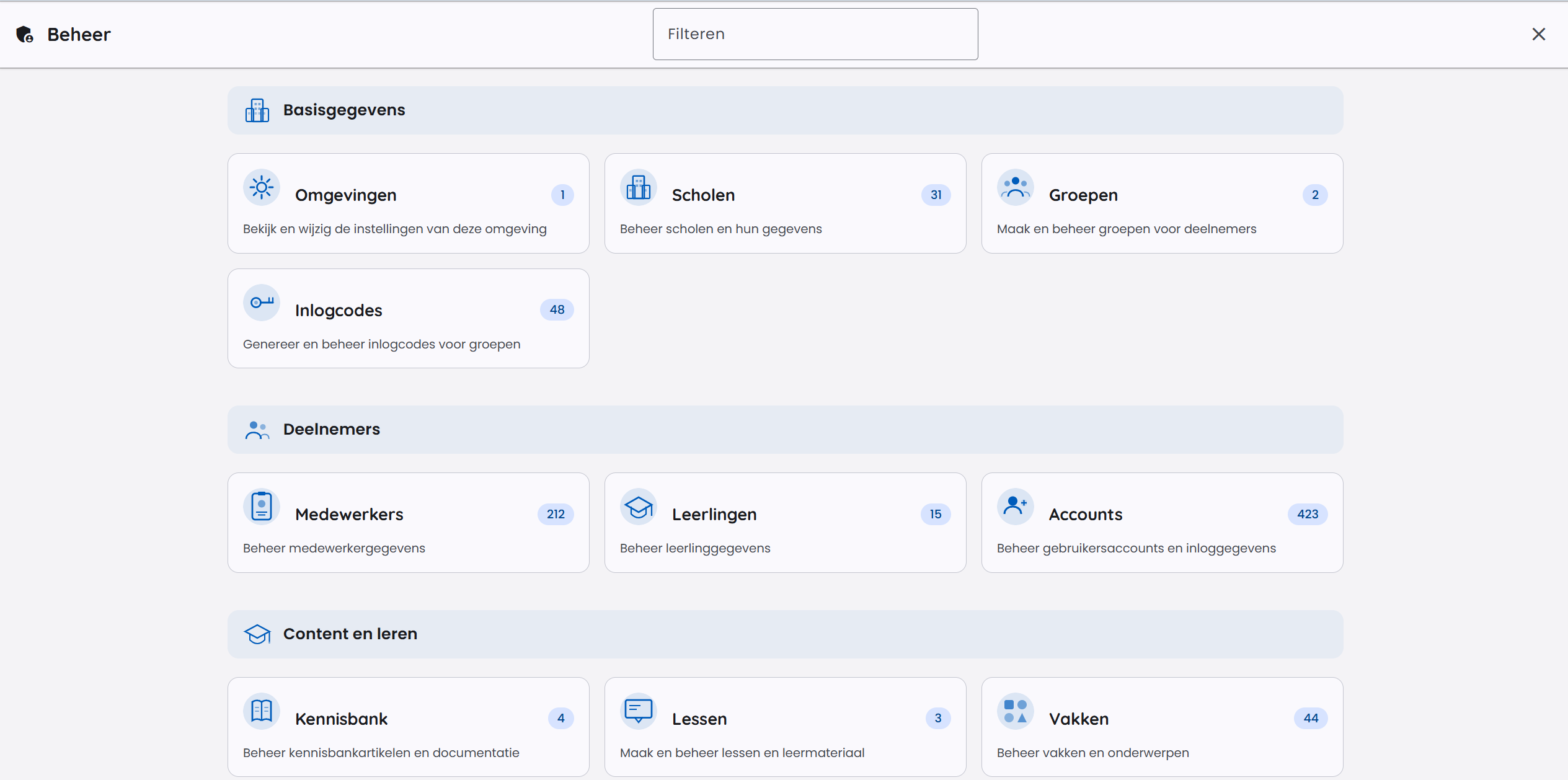
Areas in the management environment
Basic Information
Basic details about the environment and the organisational structure:
- Environment – environment settings and API keys
- Schools – manage school locations
- Domains – configure allowed e-mail domains
- Branding – customise the look and feel (name, colours and logos)
Participants
Manage users and groups:
- Accounts – all accounts in the environment
- Staff – staff accounts
- Students – student accounts
- Groups – groups and classes
- Class Groups – link students to lessons
Content & Learning
Learning content and knowledge sources:
- Assistants – configure AI assistants
- Lessons – lessons and learning paths
- Knowledge Base – manage knowledge documents
- Subjects – subjects and curriculum structure
AI Settings
Settings that control AI behaviour:
- Models – configure available AI models
- System Prompts – set default system prompts per role
- Tools – manage available AI tools and integrations
Costs & Usage
Insight into usage and limit management:
- Chat Messages – search and monitor chat messages
- Chats – view chat histories and costs
Security & Privacy
Privacy and security settings:
- Permissions – configure access rights per role
- Privacy Protection – PII detection and handling in chat messages
- Access Hours – time windows during which students have access
- Warnings – show pop-up notifications to users at login
Limits and Restrictions
Soft and hard limits (chat messages, images) are configured via the Environment tile. See Set Up Environment and Restrictions.
Permissions
Tiles are made visible per role via the Permissions settings. Students and guests do not have access to the management environment.
